Sixteen tracks.One groove machine.
GRID.16 is a 16-track drum computer for your DAW: a sampler on every track, a fast step sequencer, seven pages of sound shaping and 3,400 presets across 30 genre banks. Program it like hardware, then drag the MIDI out.
No spam. Plugin news and a look inside from NOISR. Unsubscribe anytime.


A full kit, plus bass, chords and a vocal. On sixteen pads.
Every track is its own voice with its own sample, sequence and sound settings. Two kicks, snare, rim, clap, closed and open hats, ride, crash, two toms, two percussion lanes, then bass, chord and vox tracks for the parts that make a loop a song. Each track has volume, pan, mute and solo.
Program a groove in seconds. Then keep going.
Sixteen steps per page and up to four pages, with length and rate set right in the sequencer, so a hat line can run 32 steps. Pattern presets load a new rhythm onto any track, and BPM and swing sit right on the screen.
Step and pageClick steps on the grid, page through up to four pages of 16, and set the length and rate.
Pattern presets per trackBrowse rhythm presets for the selected track without touching the rest of the kit.
Record from the padsHit REC and play the sixteen pads to lay a part down by feel.
Drag MIDIDrag the pattern out as MIDI and drop it straight into your DAW.
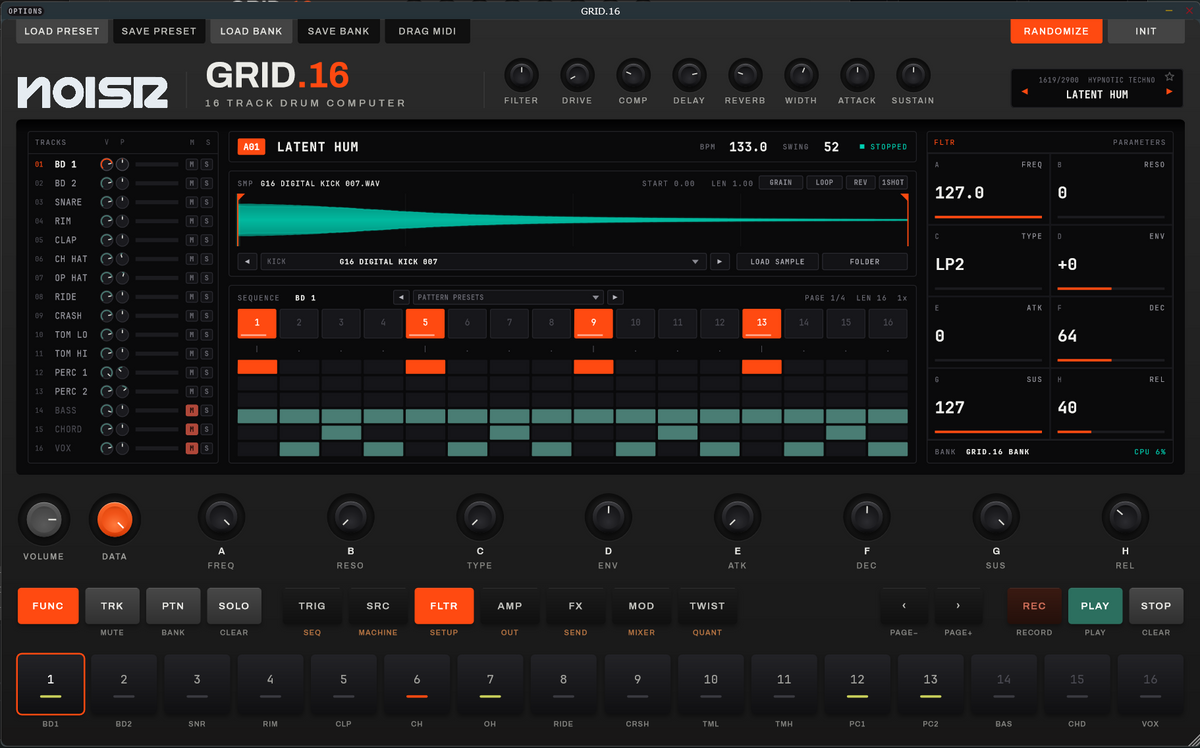
Click any step to try it
A sampler on every track. Load ours, or yours.
Each track plays a sample with its waveform right on screen. Set the start and length, then choose how it plays. Browse the GRID.16 library from the track, or load your own sample or a whole folder of them.
Shape every hit, one page at a time.
Seven pages: TRIG, SRC, FLTR, AMP, FX, MOD and TWIST. Pick one and the eight knobs A to H take on its controls, with every value shown large on the screen. Hold FUNC and each button flips to its second job: SEQ, MACHINE, SETUP, OUT, SEND, MIXER and QUANT.
FLTR page shown · filter type, cutoff, resonance, envelope and ADSR per track
Eight knobs across the top for the whole kit.
3,400 kits. 30 banks. A–Z.
Every preset is a complete groove: sounds, patterns, tempo and key, from hard groove to UK garage. Search by name, filter by character, star your favorites and browse with the arrow keys. Each one shows its genre, BPM and key before you load it.
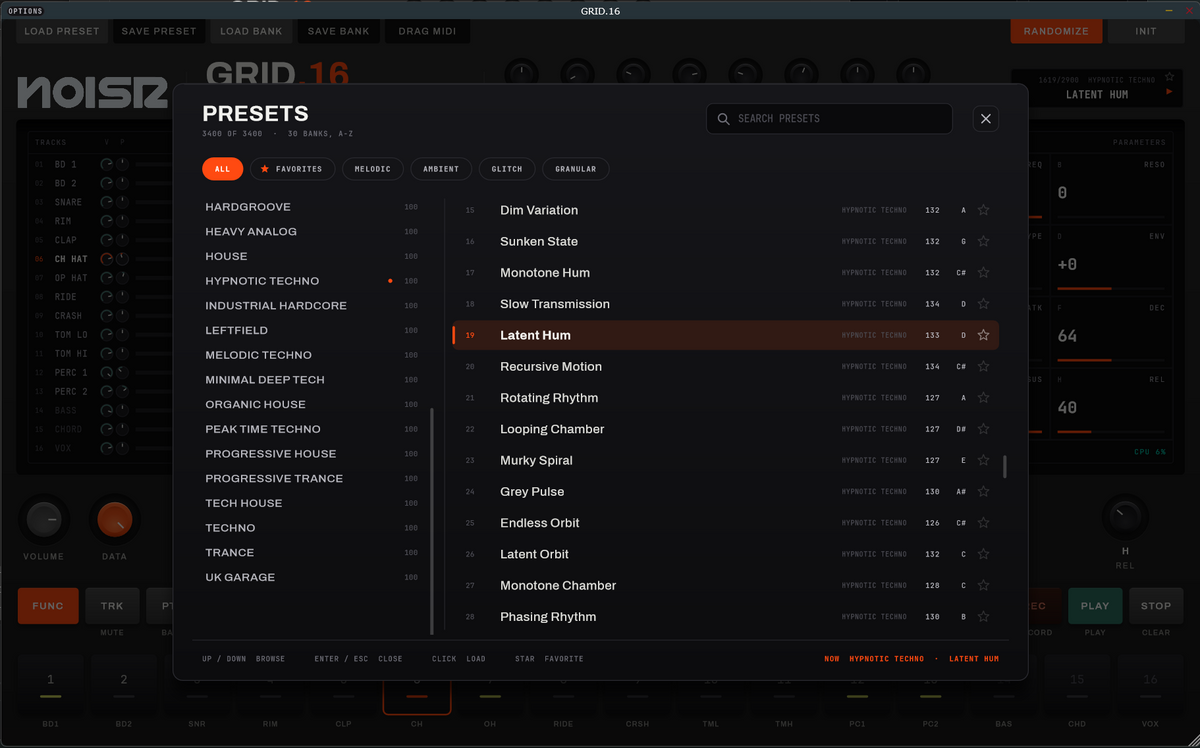
Built to keep you moving.
Randomize and InitRoll a fresh idea in one click, or wipe back to a clean slate.
Presets and banksSave your own kits as presets, and whole collections as banks to load in one go.
Hardware-style controlSixteen pads, transport keys and a data knob, laid out like the drum machines it's inspired by.
Light on CPUDesigned to sit in a busy session without getting in the way.
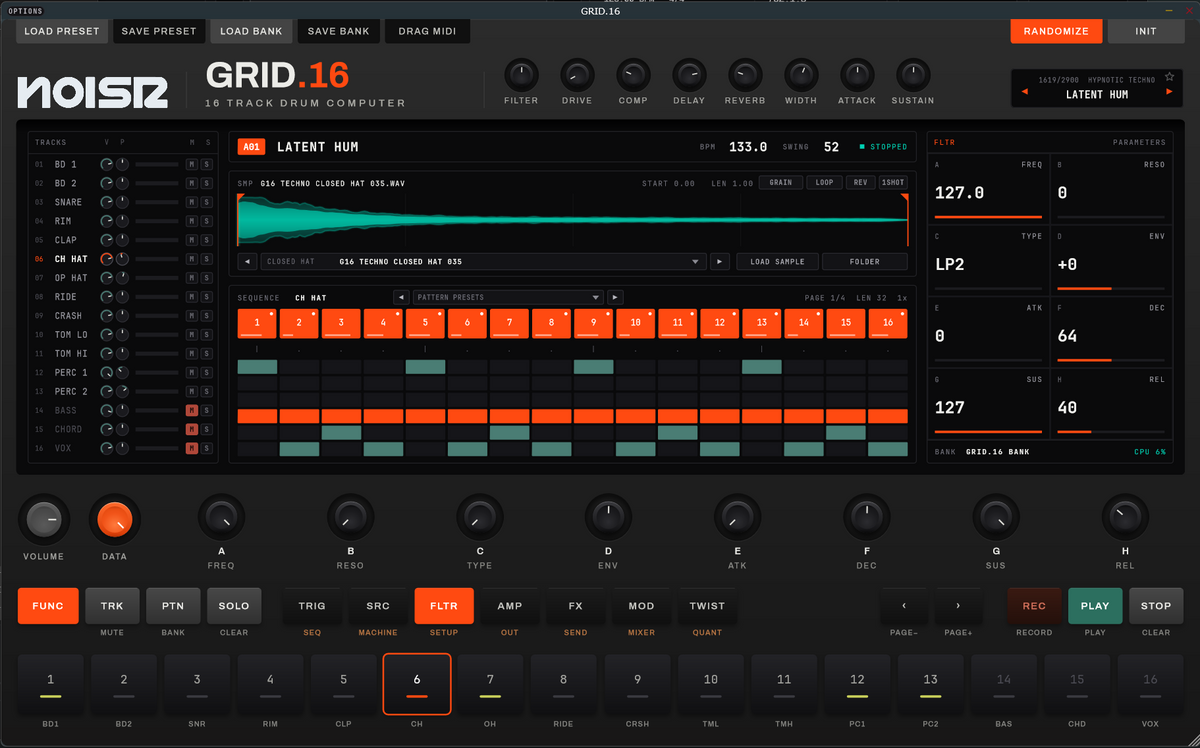
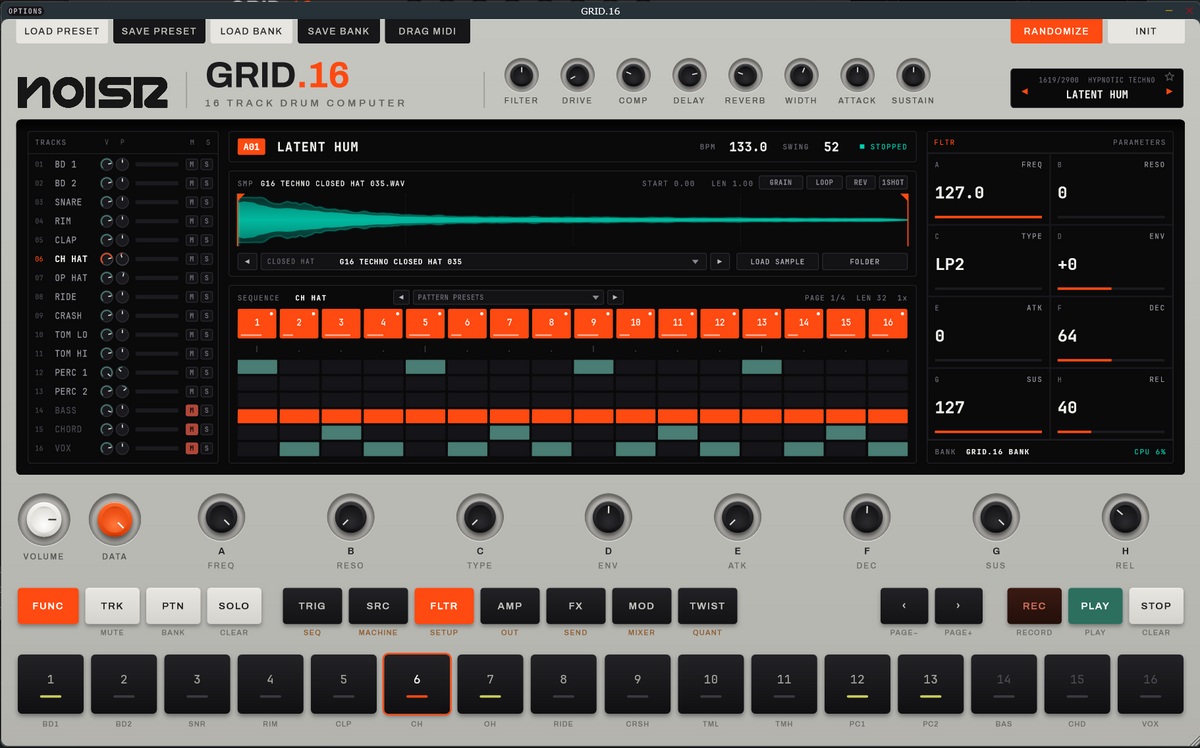
Get in before the doors open.
Waitlist members hear first when GRID.16 launches, and get a closer look inside along the way.
Questions
Can I use my own samples?
Yes. Every track can load a single sample or point at a folder, so you can swap any GRID.16 sound for one of your own.
Does it only make drums?
Drums are the core, but tracks 14 to 16 are bass, chord and vox, so a single preset can carry a whole loop.
Can I get the patterns into my DAW?
Yes. Use Drag MIDI to pull the pattern out of GRID.16 and drop it on a track in your DAW.
Which formats and systems?
VST3 · AU · CLAP · STANDALONE on MAC + WINDOWS.